How to apply the coupon?
Select the product on our ordering page or multiple products on the Bulk Orders page, and click the "Place Order" button. You will be redirected to the page of our e-commerce provider 2Checkout.Com.
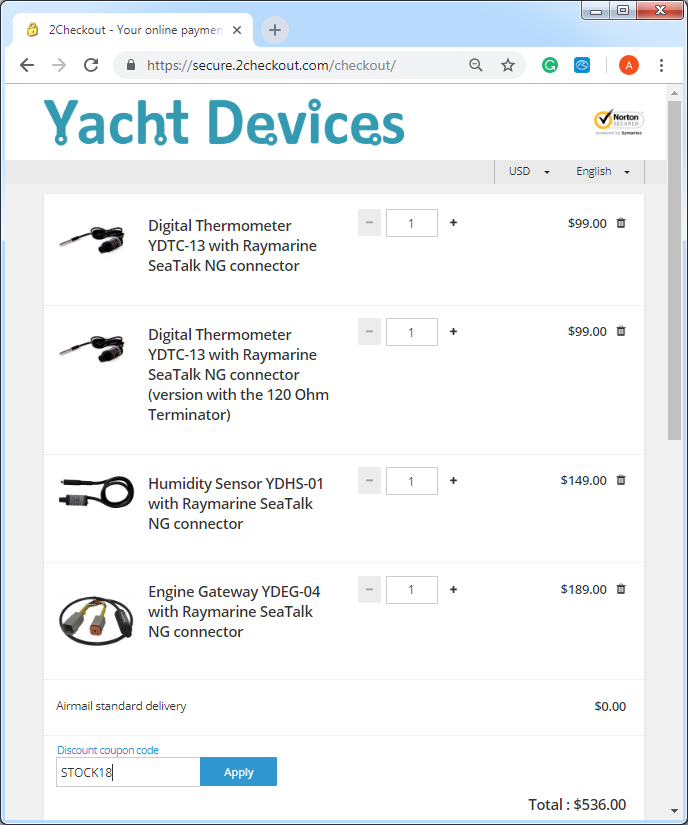
Click on the "Add coupon code" link (at left from the total sum) and enter the coupon code:
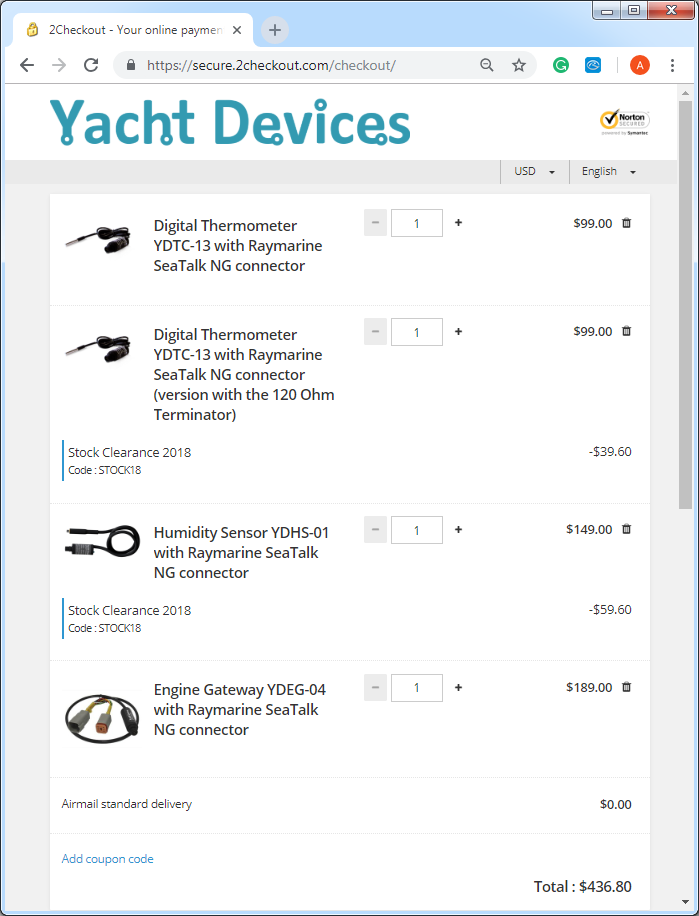
Click the "Apply" button, and the coupon will be applied to all products in the basket which are eligible for this promotion: